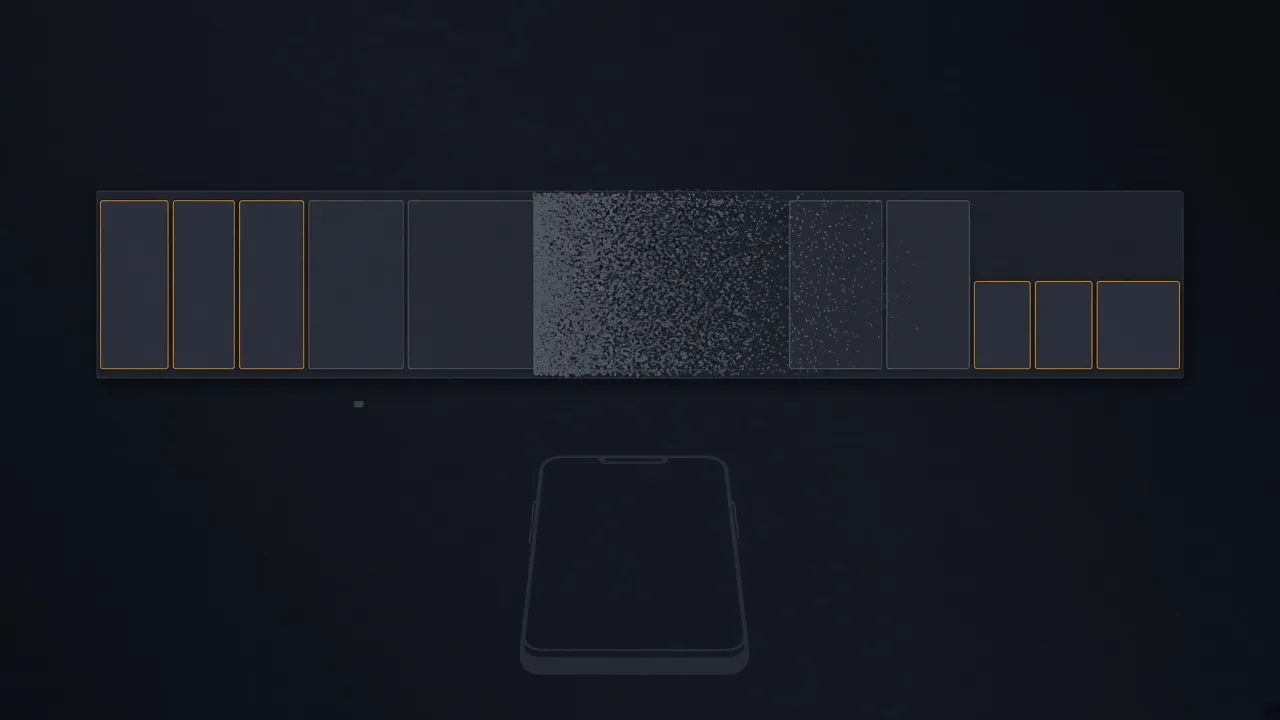
When I was writing my rmtfs server for the Snapdragon 855 modem, I saw for the first time how the modem uses the tablet's disk: it opens the modemst1 and modemst2 partitions, reads headers, writes sectors. These partitions sit on the same UFS as your photos, and a factory reset does not touch them. That started the curiosity: what else survives a factory reset, what is actually erased, and which of it matters if you are selling the device.
In short. Your data on a modern Android cannot be recovered after a reset from Settings: the encryption key is destroyed, and without it the contents of userdata are noise. But besides userdata the disk holds a dozen other partitions that a reset leaves alone by design, and that is where device identifiers, calibration, the modem's file system and the account binding live. Plus the eSIM and the SD card, which are easy to forget. In order.
The modem and its files on your disk
The modemst1/2 partitions from the point of view of the host that serves them.
The modem on a Snapdragon has no storage of its own. Its persistent memory, EFS (Embedded File System), lives in the modemst1 and modemst2 partitions on the shared disk, and it can only read and write them through the host: the OS is obliged to run an rmtfs server that, on the modem's request, moves sectors between the partition and a shared buffer in RAM. In Android this server starts from init, and you never see it.
In my OS this server is written from scratch, and it logs every request. This is what the start of a typical session looks like (abridged):
> ipc.hosts
mss (qrtr node 0)
  rmtfs  OPEN /boot/modem_fs1     ok   size 3 MiB
  rmtfs  RW_IOVEC read  fs1  sectors 0..1        (header)
  rmtfs  RW_IOVEC read  fs1  sectors 8..263
  rmtfs  RW_IOVEC write fs1  sectors 264..271    -> shadow only
  rmtfs  OPEN /boot/modem_fs2     ok   size 3 MiB
  ...
The modem reads the header, picks the working copy, reads its files, writes now and then. What exactly is in those sectors I did not analyse and do not claim: the format is closed. What is known from Qualcomm documentation and from repair shops: radio calibration, carrier network parameters, IMEI, and logs the modem keeps for itself. That is why losing modemst is colloquially called “lost IMEI”, and the repair costs money.
A factory reset formats userdata and does not touch these partitions. Reflashing the firmware via Odin or fastboot doesn't either, unless you flash them separately. That is right from an engineer's point of view: without calibration the modem won't work. And it is worth understanding from an owner's point of view: part of the device's state lives outside the zone the word “reset” applies to.
I solved it differently for myself: my rmtfs hands the modem a shadow in RAM; writes to it never reach the disk. The price: without persistent EFS some cellular functions don't work. For a tablet without a SIM I accept that. For a phone you can't do this.
What else survives a reset
One table by partition.
| Partition | What is there | Survives a reset from Settings | Who writes it |
|---|---|---|---|
userdata | All your files, apps, accounts | No: the encryption key is destroyed | You |
modemst1, modemst2 | EFS: the modem's file system. Radio calibration, carrier settings, IMEI, modem logs | Yes | The modem firmware, via the rmtfs server on the host |
fsg, fsc | The “golden copy” of EFS and its checksums | Yes | Factory; the modem reads it |
persist | Sensor and camera calibration, DRM keys (Widevine), Wi‑Fi/BT MAC, some vendors' service data | Yes | Vendor; partly the system |
frp | The Factory Reset Protection flag: Google account binding | Yes, deliberately | The system, when an account is added |
efs / sec_efs (Samsung) | IMEI, serial, Knox data, flash counter | Yes | Samsung |
misc, metadata | Bootloader commands, encryption metadata | Partly | The system |
| eUICC (eSIM) | Carrier profiles | Only if you tick “Erase eSIMs” | The carrier, over the air |
| SD card | Anything | Untouched unless ticked | You |
| Cloud | Backups, Find My Device, bindings | Unrelated to the device | You and Google |
A few comments on the table.
persist on many devices is more interesting than it looks. Besides calibration it holds Widevine keys (without them there is no HD in streaming apps, which is why repair shops guard them) and the Wi‑Fi and Bluetooth MAC addresses. Some vendors also keep their own services' data there; it is readable only with root, and what exactly is there on your model is worth checking yourself.
frp survives a reset on purpose. Factory Reset Protection was designed against thieves: after a reset the device asks for the Google account that was on it before. For a seller it means the opposite: if you don't sign out before the reset, the buyer gets a brick and you get a phone call. This is the most common mistake when selling.
The eSIM lives in a separate eUICC chip with its own OS and its own profiles. Android's reset dialog has an “Erase eSIMs” checkbox, and by default it is sometimes unticked. Without it the carrier profile stays with the buyer. A profile without your account is nearly useless, but reissuing it will be your problem.
Why userdata cannot be recovered
Crypto‑erase instead of overwriting.
Good news here. Since Android 6 encryption of the userdata partition is mandatory; since Android 10 it is file‑based encryption (FBE). A reset does not overwrite the disk; that would take minutes and wear the flash. It destroys the key, or rather the keys, which are kept in protected storage (Keymaster, the TEE, on newer devices a separate chip).
Without the key the userdata sectors are indistinguishable from random noise, even if physically they are still there.
Why I stress this. In 2015 Laurent Simon and Ross Anderson from Cambridge bought 21 second‑hand Android phones after a factory reset and recovered data, including Google tokens, from most of them.
Those were Android 2.3–4.3 without mandatory encryption, and the reset there was a plain format that, because of how flash memory works, left blocks in place. The architecture changed since precisely because of work like that. If your device runs Android 10 or newer and the reset was done from Settings, this attack does not work.
A caveat about recovery. If you wipe from recovery on an unlocked bootloader, some steps (destroying keys in the TEE, erasing the eSIM) may not happen. A reset from Settings is safer.
How others do it
Briefly, for comparison.
On an iPhone, “Erase All Content and Settings” destroys the class keys in Effaceable Storage, and the data becomes inaccessible instantly; it has worked this way since the iPhone 3GS. There is a baseband with its own non‑volatile memory there too, and its calibration also survives the erase. There is no user data in it. Activation Lock plays the role of FRP: without signing out of iCloud you hand the buyer a brick.
On a Windows laptop, “Reset this PC” with “Remove everything” and “Clean the drive” overwrites the partition. If BitLocker is on, the key is destroyed the same way as on a phone. The UEFI firmware and NVRAM variables (including Secure Boot keys and, with some vendors, the serial number and ownership tags) are not touched. The TPM is usually cleared by a separate item in UEFI; the Windows reset doesn't do it.
Before selling a device
The order matters.
- Sign out of the Google account (or Apple ID) in the device's settings. Actually sign out, not just reset: that lifts FRP and Activation Lock.
- Remove the screen lock if the manufacturer asks for it before a reset; unlink the device from Find My Device and from banking apps with device binding.
- Take out the SD card and the physical SIM. In the reset dialog tick “Erase eSIMs” if there is one.
- Reset from Settings, not from recovery.
- After the reboot, get to the welcome screen and make sure the device does not ask for the previous account.
- Accept that
modemst,persistandefsremain. There is no user data in them; there are device identifiers, which the buyer gets with the box anyway.
A separate note for those who manage a fleet: “reset before handing to the next employee” is not the same as “a clean device”, and the policy should say so explicitly. What survives a reset on a particular model is checked with one command from recovery: ls -l /dev/block/by-name.
In short
Three sentences.
User data after a reset from Settings on a modern Android is inaccessible, and reliably so. Outside userdata live the modem partitions, calibration, DRM keys and FRP, and the reset leaves them alone deliberately. The real risks when selling are a forgotten account, the eSIM and the SD card, not leftover files.
If your device has a different set of partitions or the reset behaves differently, post the model in the comments. If you found a mistake, say so and I will fix it.
 Someone else's computer: why your phone isn't yours — and what to do about it
Code by eight authors runs in your phone, and yours is the least privileged. We wrote our own OS, booted it on a tablet and spent half a year finding out who else lives in the chip and whose rules apply. How it works, why it concerns laptops, iPhones and light bulbs, and three levels of an answer.
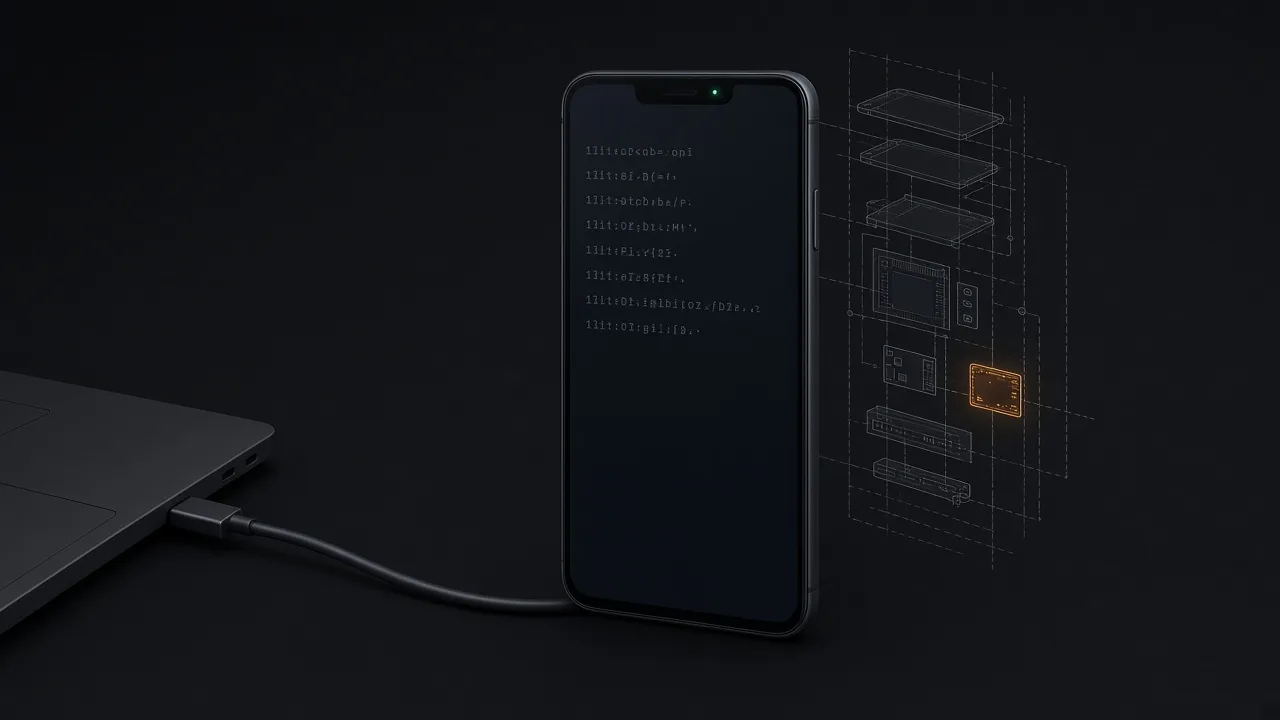 Who else is running in your Android: seven adb commands without root and what their output means
Seven commands over a plain adb shell without root: how many firmwares boot with Android, the modem's security patch level and how far it lags the system one, whether the Wi‑Fi firmware writes to memory directly, what survives a factory reset and whether the SIM card has a channel in. With a legend for every line and a request to send results.
 23 Milliseconds to Lie
The modem asked for a partition that does not exist on this tablet. An honest 'no such partition' killed it in 23 ms; an empty partition of zeros did not. Why the firmware tests the host at every step, and why isolation must be transparent: correct in form, empty in substance.