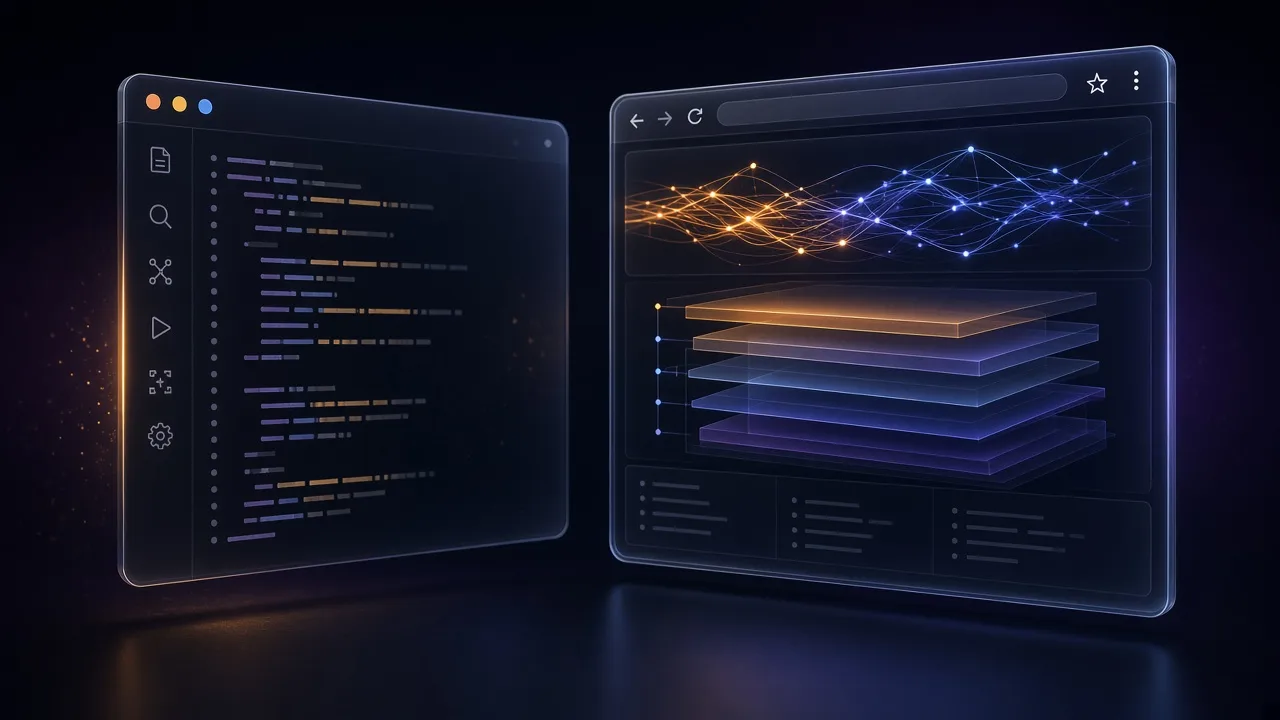
The usual authorized web review looks like this: editor in one space, three Chromes in another, a scratch file for notes, a screenshot folder that never gets attached to the ticket. Findings live in the gap. We got tired of the gap and put the browser in the editor.
The problem
A sanctioned web review dies in the gap between the IDE and a pile of browser windows: the editor, three Chromes, a draft of notes and a folder of screenshots nobody attaches to the ticket.
What we did
Forked Zed deeply — the editor, not a theme: the AI Studio orchestrator, the local UIDE store on RocksDB, on-device Whisper and a WebDriver we talk to over our own MCP/JSON-RPC. The browser ended up inside the editor; capabilities are declarative JSON skills that don't exist until you write them.
What came out
From the code window: drive the page, take screenshots bound to a file, inspect the DOM and network, run audits from a checklist. The finding is still written by a human — next to the handler, not in a third window.
This is review and QA automation on your app — staging, a local build, a scope you already have in writing. It is not a scanner and not a kit for touching other people's sites.
What "browser in the editor" actually means
Forge IDE is not a theme on Zed. It is a deep fork: our AI Studio orchestrator, UIDE (local vectors, documents, graph on RocksDB), Whisper on-device, and a WebDriver integration we speak through our own MCP/JSON-RPC.
From the same window you already use for the code you can:
- drive the page and take screenshots that belong to the file, not to
/Desktop; - inspect the DOM without losing the Rust or TypeScript buffer;
- watch the network for the request you just shipped;
- run the audits you already agreed in the checklist.

The point is not "AI will pentest the site by itself". The point is that when you order a web review from us — or run one inside the house — the tester stops context-switching every time the page and the handler disagree.
Where UIDE and skills earn their keep
UIDE is the local store. Review notes, previous DOM dumps, the checklist for this app — searchable next to the repo, not in a cloud doc the contractor cannot open on the plane.
Declarative skills are JSON behaviours in that store: "open the billing page, screenshot the empty state, attach it to the finding template". You write them once. The orchestrator chains them. They do not get a new capability unless you put it in the file.
If a step must run as an agent with tools, that is AGI Core's sandbox — grants, not hope.
A pass that stays inside the rails
- Scope and environment (staging URL, test user) written down.
- Open the repo in Forge. Drive the agreed paths. Screenshot what the ticket will need.
- File the finding next to the handler, not in a chat screenshot.
The vocabulary for "is this even a pentest?" is in assessment vs pentest. If the page under test is locale-sensitive, fix the clock first — timezone leaks.
We don't sell a scanner for other people's sites. Forge IDE is the desk we review your web application from, and the same desk is available to your team: the skills stay with you, the data never leaves for a cloud. If you need the review — we do it; if you need the tool to do it yourselves — it is the same tool.What you can order from us
Zero Day Labs takes authorized security work — we use the same products described in this series, not a rented scanner PDF.
You can write to [email protected] or the contact form and ask for:
- a security assessment (map of assets, controls, residual risk);
- an authorized pentest on a written scope;
- a web application review (from the editor: DOM, network, evidence);
- a review of agent and tool isolation (what the agent is allowed to call);
- help making test fixtures honest (locale, timezone, exit address) so the report describes your system, not the tester's laptop.
Say which job you want, the scope, and what "done" looks like. We reply with a concrete proposal — same rule as the rest of the site.
Products in this article
A web-app review from the editor
Order the audit from us or put Forge IDE in your team's hands — tell us which is closer.
 Why security agents need a sandbox
An agent that can 'just run tools' on a security review is a second attacker — unless every call has a grant. AGI Core isolates tool execution; Forge keeps the skill list in UIDE.
 Security assessment vs pentest: three different jobs
Assessment, pentest and scan are three jobs. Zero Day Labs takes authorized work on a written scope — and runs it on our own tools, not a rented scanner PDF.
 VPN Chrome extension: what it protects and what it doesn't
A Chrome VPN extension is a proxy for browser traffic only. What it really protects, where it leaks, and when you need a full VPN app instead.